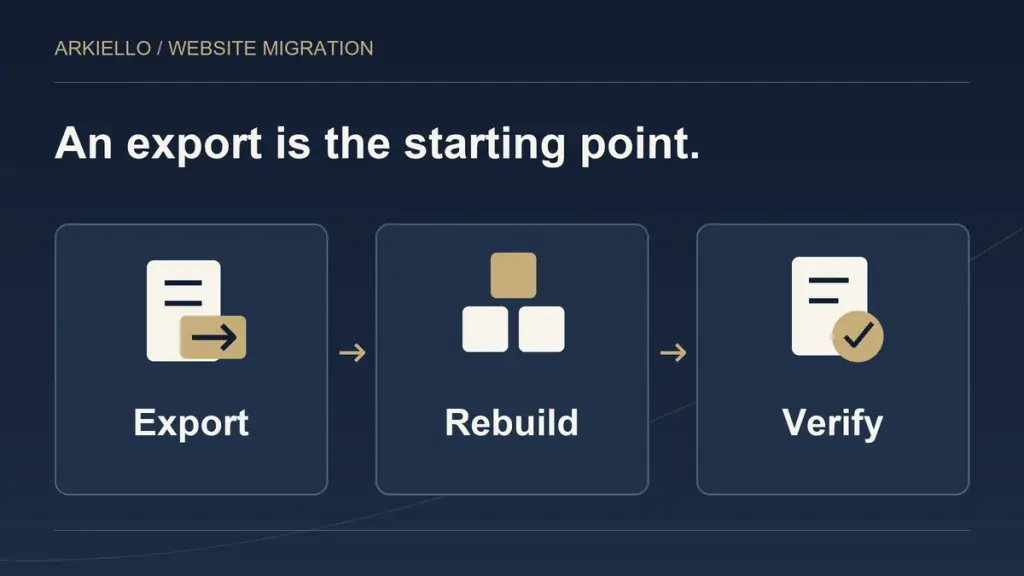
An export file can start a Squarespace to WordPress migration. It does not describe everything your business needs from the replacement website. Before commissioning the move, separate the content to carry across from the layouts, features and connections that need rebuilding or review.
Our Squarespace to WordPress migration service starts with that scope. The useful question is whether the new site will contain the agreed information, support the required tasks and remain manageable after launch.
Understand what the export actually provides
Squarespace documents an XML export for certain content, including layout pages, text and image blocks, and one blog with its posts. Its export does not include everything: portfolio pages, video blocks, style settings and custom CSS are among the exclusions. Some exported items also have import limitations. Squarespace warns that a self-hosted WordPress import may retain image references rather than copy the files, leaving them dependent on the old site. Check the current Squarespace export documentation against your actual website.
These boundaries make an export a starting input, not a complete project specification. Ask the provider to account for the public website, its assets and the tools behind it before promising a finished transfer.
Separate the content from its presentation
Words arriving in WordPress do not establish that a page is ready for visitors. Someone still needs to check the heading structure, image placement, links, mobile presentation and route to an enquiry.
Decide whether the new website should retain the existing design, improve selected layouts or use a different structure. Those choices create different workloads. “Move our site” should not leave both parties assuming a different answer.
For example, a text-led service page and a portfolio with filters may both count as one page in an inventory. They involve different decisions about layout, content relationships and behaviour. Ask for a scope organised around those requirements, alongside the page list.
Verify that images are available independently
Include a separate media check in the agreement. Who supplies the originals? Who selects the versions used on the website? Who checks permission to publish them? Who prepares suitable sizes and confirms that the new pages load the intended files?
Agree how the team will demonstrate that essential images are available from the new setup before retiring the old website. A photograph appearing in a preview is only part of that check. The provider should understand where it is loading from and what happens when the old service ends.
Keep client delivery galleries and private proofing separate from the public portfolio. Their access arrangements and retention needs may call for a different plan.
Assess business tools separately
List forms, booking tools, commerce, member access, email sign-ups and anything else the business relies on. Record what each tool does, who controls it and which information it receives.
For every required function, agree whether it will remain with its current provider, connect differently or need a replacement. Do not assume that a working link in the old navigation means the underlying service is included in the migration.
Ask the proposal to name the boundaries. A store or membership requirement needs its own assessment of data, payments, access and testing. Avoid treating a general website migration as an automatic promise to transfer every account, subscription or workflow.
Keep the addresses and connections in view
An inventory should record useful existing URLs as well as page titles. Decide which addresses can remain and which need a relevant replacement. Our redirect mapping guide explains that planning in more detail.
The domain, website hosting and email also need clear responsibilities. Use our Squarespace migration domain and email guide to prepare those questions. They belong beside the content scope, even when different people manage them.
Define how the transferred work will be accepted
Before choosing a supplier, agree what your team will review. Useful completion checks include:
- The agreed pages, posts and media are present and usable.
- Navigation and changed URLs lead to the intended destinations.
- Required tools work through the agreed visitor journey.
- An authorised enquiry test reaches the correct receiving team.
- Routine editing has been demonstrated to the person maintaining the site.
Name who supplies missing assets, approves content and signs off the review. Use our existing migration planning guide to connect those responsibilities with the wider move.
Use relevant work to clarify the brief
The Shuttersteve migration case describes a photography and film website moving from Squarespace to a custom WordPress build, including content inventory, galleries, films and URL planning. Its preview is in client review. That illustrates scope, not a completed client-domain launch or a ranking result.
Also decide who will manage the replacement after handover. Our WordPress hosting and maintenance guide after Squarespace covers that next decision.
Agree what moves before commissioning the build
Explore our Squarespace to WordPress migration service, then discuss your website with ARKIELLO. Send the current URL, important content types and tools, what needs to improve and any real deadline. We can discuss the transfer, rebuild and testing scope before preparing a proposal.