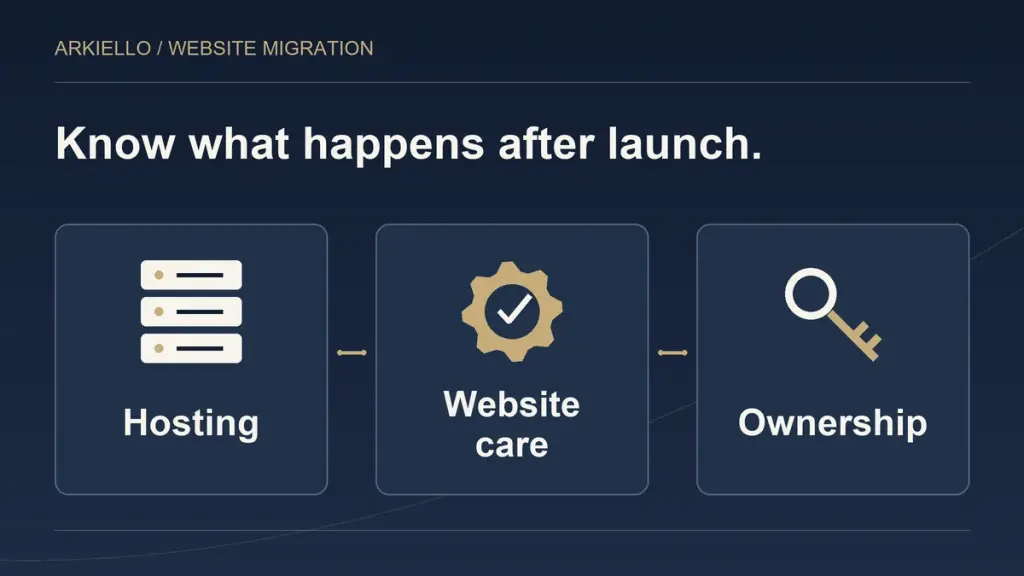
Moving from Squarespace changes who supplies parts of your website. Before comparing monthly costs, ask who will host it, keep it updated and help when something stops working. Those jobs may sit with one provider or several people. The proposal should say which.
Our Squarespace to WordPress migration service starts with those requirements alongside the rebuild. A website can look ready in a preview while the business still needs a clear plan for running it.
Separate hosting from website support
Hosting provides the environment where the WordPress website runs. The open source software needs a suitable hosting setup; WordPress publishes its current requirements. A host may also provide backups, updates or assistance, but the particular plan defines that coverage.
Do not assume that every hosting service will edit pages, investigate a broken form or repair a custom integration. Ask what the host handles, what your website provider handles and what remains with your team. If one company supplies both hosting and care, those responsibilities should still be understandable.
Your domain registration and business email are further parts of the setup. They do not have to move to the same provider as the website. Our domain and email guide explains the distinctions to settle before launch.
Compare cost categories before comparing totals
A useful comparison lists the services you will actually need. It does not compare a single website subscription with the price of one hosting account and assume everything else is included.
Ask the proposal to identify:
- Website hosting and who holds the account.
- Domain renewal and business email, including the existing providers where they remain in use.
- Any paid theme, plugin, booking tool or other agreed integration.
- Backup, update and support responsibilities.
- Content changes and additions your team expects help with.
Record who pays each bill, what renews and what happens if the website provider changes. A licence supplied through a provider may have different handover arrangements from one bought directly by the business. Get the actual arrangement in writing.
The right decision depends on the work, tools and support you need. Moving to WordPress does not by itself establish a lower total cost. Compare the proposed services and ongoing responsibilities before making that claim.
Define care in practical terms
“Maintenance included” is incomplete unless you know what is maintained. Agree who reviews and applies software updates, what checks follow them and how a problem is reported. Ask about the parts of the site that matter to your business, such as enquiries, galleries or bookings.
Backups need similar clarity. A typical WordPress restore requires both the website files and its database, as the WordPress backup guidance explains. Ask what the proposed backup service covers, how recovery is arranged and who is responsible for testing it.
Support also has boundaries. A change to a service page, a redesign request and an urgent technical problem are different tasks. The agreement should explain how to request help, what is included and how additional work is scoped. Our maintenance plan versus one-off support guide explores that buying decision without assuming every business needs the same plan.
Keep business ownership clear
The business should know where its website lives and how an authorised person can access the relevant accounts. That does not mean sharing one login with everyone. Agree suitable roles and a way to hand access over when people or providers change.
Before approving the project, ask for a record of the hosting account, domain registrar, email provider, website administrator and any paid tools. Identify who can authorise changes and who receives renewal notices.
Also decide who will add new content. A business that regularly publishes projects or changes services needs an editing process it can use. Ask the provider to demonstrate the specific tasks your team will perform, rather than treating an administrator login as a complete handover.
Include handover in the migration scope
Agree the handover deliverables before the move. Useful items include the account record, editing guidance, support contact, backup arrangements and a list of outstanding work. Separate the launch work from any continuing care agreement so you understand both.
The content inventory matters here too. Our content transfer and rebuild guide helps identify what is moving and what needs separate work. That makes the future editing and support requirements easier to define.
For the broader decision, use the existing migration planning guide. If the current platform still meets your needs, a focused improvement may be more useful than taking on a different setup.
Plan the website and its ongoing care together
Discuss your Squarespace migration with ARKIELLO. Send the current website, the business limitation you want to solve, the tools you use and who will update the new site. We can assess the move and define hosting, support and ownership responsibilities in the proposal.