Finding out your website has been hacked is stressful. Visitors may be redirected to spam, Google may be showing a warning, or your host may have suspended the account. The good news is that most hacked websites can be cleaned and restored, and the steps you take in the first few hours make that much easier.
This guide walks through what to do, in order. If you’d rather hand it over straight away, our hacked website repair service follows the same process.
Signs your website may be hacked
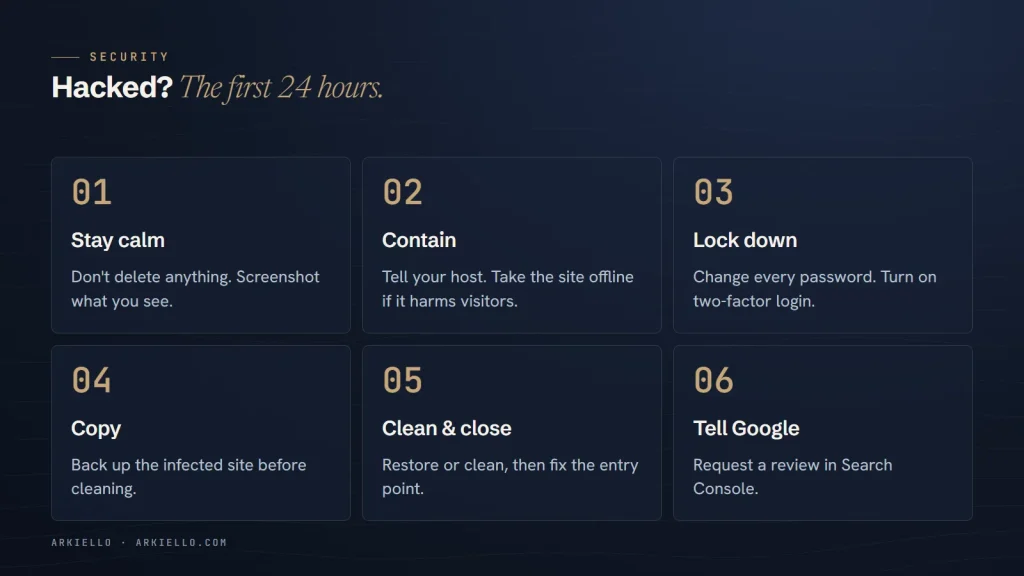
- Visitors, especially on phones, are redirected to unrelated or spam websites
- Google shows “This site may be hacked” or a red warning screen
- Pages you didn’t create appear in Google, often in other languages
- Your host has suspended the site or sent a malware notice
- New administrator accounts appear that nobody recognises
- Your site has suddenly become very slow, or emails from your domain bounce as spam
In the first hour
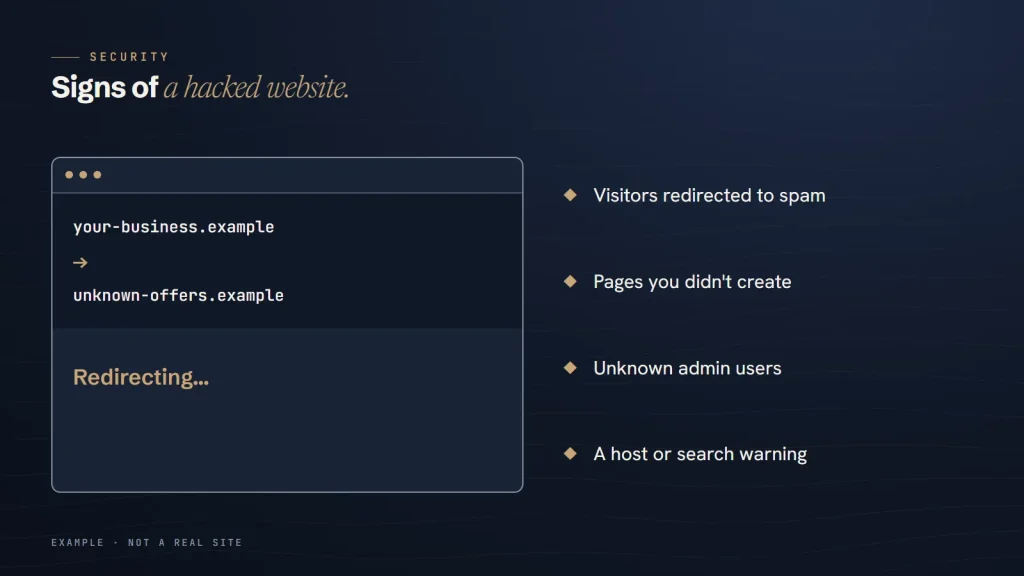
Don’t panic, and don’t delete everything
It’s tempting to wipe the site and start again. Don’t. You may destroy the evidence of how the attacker got in, and lose content you need. Work through the steps calmly.
Write down what you see
Take screenshots of warnings, redirects and unfamiliar pages, and note the date and time. This helps whoever cleans the site, and it matters if customer data turns out to be involved.
Contact your hosting provider
Tell your host what is happening. They can often confirm the infection, see suspicious activity in the server logs and help you restore a clean backup. Some hosts include basic malware cleanup.
Limit the damage to visitors
If the site is redirecting visitors or serving malware, put it into maintenance mode or ask your host to take it offline temporarily. A few hours offline is better than infecting your customers.
Secure your accounts
Assume every password connected to the website is compromised. Change them, from a device you trust:
- Your hosting account and control panel
- Every WordPress administrator account
- SFTP or FTP accounts
- The database password, updated in your site’s configuration
- Email accounts on the same domain
Turn on two-factor login wherever it’s available. Look at the WordPress user list and note any accounts you don’t recognise before removing them; the details can help explain what happened.
Make a copy before you clean
Before changing anything, take a full copy of the infected site: files and database. Store it somewhere safe, away from the server. It’s your record of what the attacker changed, and your fallback if the cleanup goes wrong.
Clean the site
There are two main routes:
- Restore a clean backup from before the infection, if you know when it started and have a backup from earlier. Then update everything immediately, or the same hole will be used again.
- Clean the site in place. Replace WordPress core with a fresh copy, reinstall plugins and themes from their official sources, remove files that shouldn’t be there, and check the database for injected scripts, spam content and unknown users.
Either way, find and fix the way the attacker got in. Common causes are an outdated plugin or theme, a weak or reused password, or an abandoned plugin that no longer receives security fixes. WordPress’s hardening guide covers the main protections.
Clear Google’s warnings
Once the site is clean, open the Security issues report in Google Search Console. It lists the problems Google detected and lets you request a review after you’ve fixed them. Explain what you found and what you did. Then check the Pages report for spam pages the attacker created, and make sure those URLs now return “not found”.
When it’s more serious
Some situations need more than a website cleanup:
- Customer or payment data may have been accessed. That may be a data breach, which can carry legal reporting duties depending on where you and your customers are. Speak to a lawyer promptly.
- Ransomware or a demand for payment. Get specialist incident response help before you do anything else.
- The attack keeps coming back. Reinfection usually means the entry point is still open, or a hidden backdoor remains.
Prevent it happening again
Most hacks exploit problems that routine maintenance would have caught: outdated software, unused plugins, weak passwords and no tested backups. Our website maintenance checklist covers the routine, and how to update WordPress safely covers the most important habit.
Hacked right now?
Our hacked website repair service backs up, cleans the site, closes the entry point and requests removal of Google’s warning. Afterwards, a care plan helps keep it from happening again.