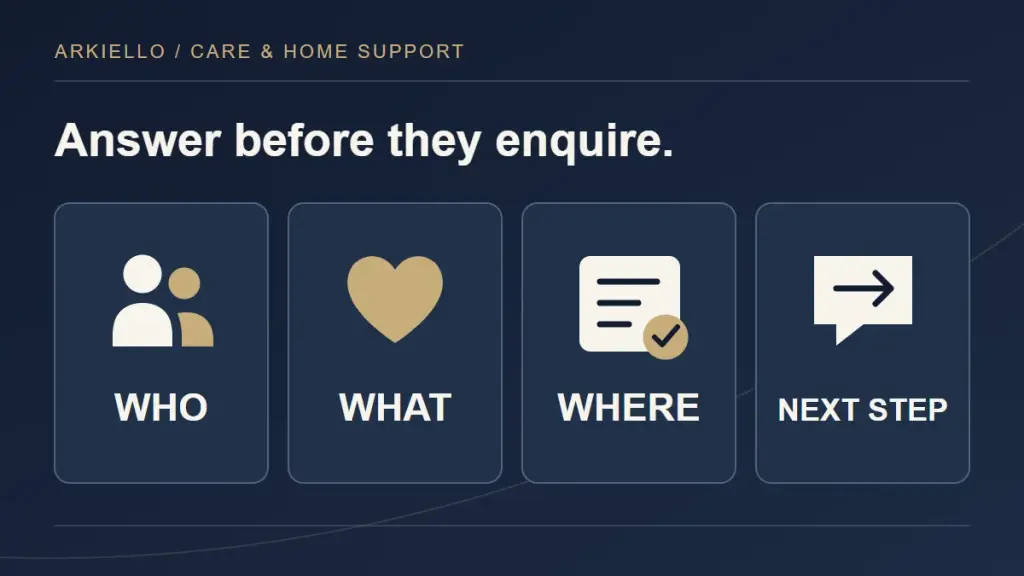
When someone opens a home-support website, they may be helping a parent, supporting a relative or looking for assistance themselves. Before they enquire, they need to understand whether the business offers suitable support and what contacting it will involve.
For a business owner commissioning a website, this is a useful content test: can a person find enough practical information to take the next step without explaining their whole situation first? Our care and home-support website planning guide connects these decisions with the wider website structure.
What support does the business actually provide?
A service name can mean different things to different people. Explain what each service involves in ordinary language, using examples your team has checked. Describe the tasks or arrangements someone can ask about, together with relevant boundaries.
Avoid grouping every service under a broad phrase such as “complete care.” Readers should be able to distinguish the support you provide from services they need to arrange elsewhere. If your business provides non-medical support, say so clearly and identify relevant exclusions. Do not let a photograph, heading or service list imply capabilities the business does not have.
Who is the service intended for?
Explain whom each service is designed to support and how someone can discuss whether it may fit their circumstances. Distinguish an introduction to the service from a decision about suitability, which your team may need to confirm directly.
Write for the person receiving support as well as relatives making enquiries. Avoid assuming that a family member makes every decision. Give people a route to explain their preferred contact arrangements without requiring them to disclose personal circumstances in a public comment or lengthy initial form.
Does the team serve this area?
Coverage information should answer a practical question before the visitor gets to the form. State the locations your business genuinely serves and any boundaries you can accurately explain. Distinguish the office address from places where support can be delivered.
If coverage depends on the requested service or staffing arrangements, explain that the team will confirm it. A list of city names should not suggest that every service is available throughout every city. Our guide to planning home-support service-area pages explains what local content should help a reader decide.
What happens after the first enquiry?
Show the first steps near the contact route. Describe what your team actually does, rather than copying a generic booking process:
- A team member reviews the enquiry and responds through the agreed contact method.
- The conversation clarifies the service requested, location and relevant arrangements.
- Your team explains any further steps before support can be confirmed.
Adapt those steps to your operation. If the form sends a request, label it as an enquiry. Use booking language only when the action genuinely reserves a time or service. State response expectations your team can support, including what happens when a message arrives outside normal hours.
Can someone tell whether support is available?
Availability can influence whether a person enquires, but an unmaintained promise creates confusion. Decide who is responsible for keeping availability information accurate before placing it prominently on the website.
Where the team must check capacity, say that availability is confirmed directly by the provider. Explain whether someone can ask about a future start or a particular arrangement. Avoid showing guaranteed start dates or implying that submitting a form secures support.
Is the first form asking for too much?
The first form should help the business begin a conversation. Choose fields around that purpose and explain what information is useful at this stage.
A short form might request a name, preferred contact details, a broad location and the service of interest. Include a “Not sure yet” option where appropriate. A brief optional message gives visitors room to explain what they are asking about in their own words.
Avoid requesting detailed health information, identity documents or a full personal history through the initial marketing form. If more information is needed later, your team can explain the appropriate next step. Tell visitors how their details will be used and show the relevant privacy information beside the form.
What helps someone trust the information?
Make the business identity, contact details and service descriptions consistent. Show the people behind the service where appropriate, with accurate roles and relevant credentials checked before publication.
Use testimonials, names and identifiable photographs only with appropriate permission. A stock photograph should not be presented as a real client or team member. Practical information about how the service works can support a decision without a personal story or a promise about outcomes.
Our Avelora Life project shows a Wix website revamp, local pages and Google setup for an international client in Canada. It illustrates website scope, rather than a claim about care outcomes or enquiry performance.
Can the visitor use the page comfortably on a phone?
Review the actual page on a small screen. Can someone read the service explanation without losing their place? Are form labels clear, links descriptive and the main contact route easy to find? Check that text remains usable when enlarged.
Avoid placing essential coverage or service information inside an image. Keep headings descriptive and paragraphs focused on one question. Check the confirmation message too: it should explain that the enquiry was submitted and what happens next, without implying that support has been approved.
Turn these questions into a website brief
Ask the person responsible for each service to review the answers before design begins. Record what is confirmed, what needs checking and who will maintain it. Use our care website redesign brief guide to organise those decisions into a defined project.
Make the first conversation easier
Plan your care-business website. Send your existing website, services, real coverage areas and the questions people ask before enquiring. We can discuss which information the site needs and how to make the first step clearer.